Visual guide
Cam Site Safety Checklist Before Signing Up
After this page you should be able to say whether a cam site earns an account from you: whether the domain is the official one rather than a near copy, whether terms and billing wording are readable before payment, whether privacy and blocking controls exist, and whether support can be reached by more than a chat pop-up. Passing every check is not proof; failing several is a reason to stop.
The image is explanatory only. It uses neutral labels and does not rely on screenshots from real adult platforms or copyrighted interface captures.
Visual guidePrivacyBillingTokens
Who this page is for
You have one specific cam site open in a tab, no account on it yet, and you want a set of checks that ends with a decision: register, or close the tab.
Readers whose doubt is narrower, where the address in the bar looks almost but not quite right, should run the official-domain check first.
- Adults comparing adult platform pages before creating an account or paying.
- Readers who want privacy, billing, token, and safety context before clicking external links.
- Beginners who need neutral explanation rather than a hard-sell platform ranking.
What to check before clicking
- Confirm that the page you are opening is the official domain or a clearly disclosed partner route.
- Review whether the action leads to free browsing, token purchase, subscription, private chat, or account creation.
- Check browser history, device notifications, saved passwords, and email visibility if privacy matters.
- Read billing names, renewal language, refund limits, and support paths before entering payment details.
- Do not treat any adult platform as guaranteed safe, anonymous, or available in every region.
Visual explainer
The diagram below is a neutral explanation aid. It avoids real platform screenshots and keeps labels readable on mobile by using large text blocks.
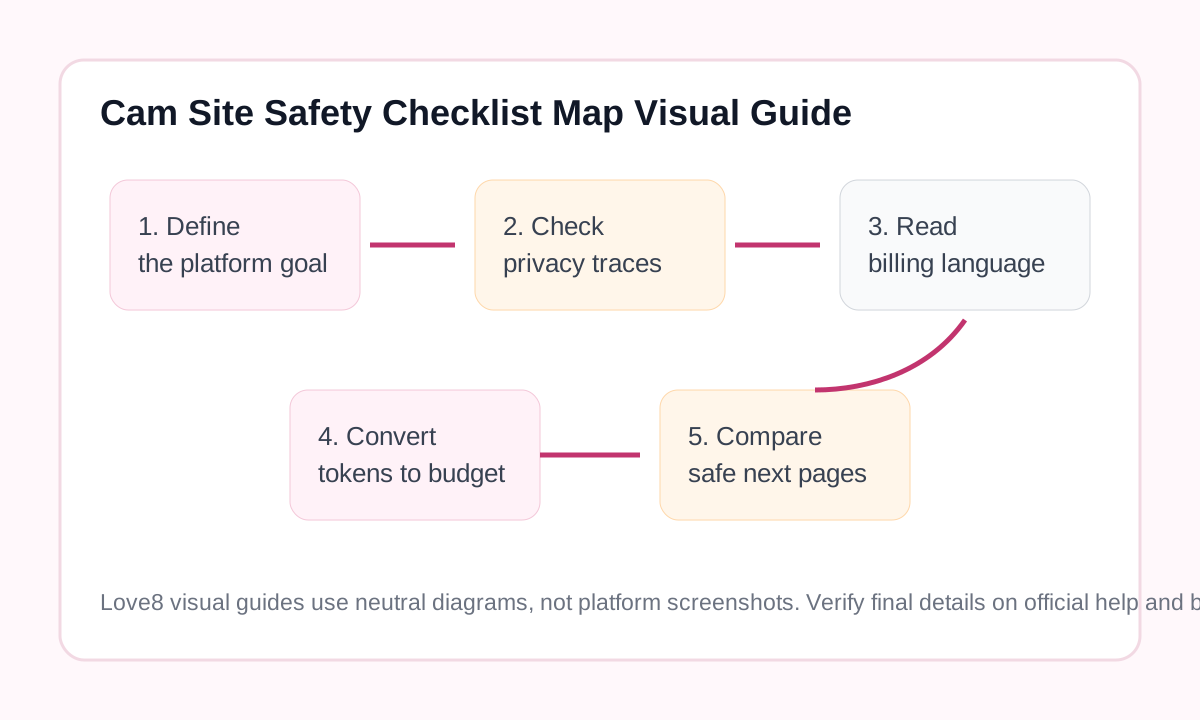
Privacy, billing, tokens, and safety
Privacy
Separate account identity from personal identity where possible, review browser traces, and remember that private browsing does not erase payment records or platform logs.
Billing
Check card statement wording, renewal terms, support contact paths, and whether the platform uses tokens, subscriptions, credits, or per-minute charges.
Tokens
Translate tokens or credits back into a real budget before using public tips, private shows, menus, or timer-based paid chat.
Safety
Watch for clone domains, fake support accounts, misleading buttons, unclear checkout pages, and claims that sound too absolute.
Beginner decision checklist
Goal
Decide whether you are only learning, comparing platforms, browsing public rooms, or preparing for paid interaction.
Account
Use a unique password and review email, notification, profile, and recovery settings before saving anything personal.
Payment
Set a budget ceiling and read billing pages before tokens, subscriptions, credits, or private-session timers appear.
Exit
Know where logout, cancellation, support, and account-deletion options are before treating the platform as a long-term choice.
Related reading
FAQ
Who is Cam Site Safety Checklist Map Visual Guide for?
Cam Site Safety Checklist Map Visual Guide is for adults who want a practical explanation before creating an account, paying, or clicking from Love8 to an external adult platform.
Does this page provide legal advice?
No. It provides general privacy, billing, token, safety, and platform-understanding information. Local rules and platform availability may vary.
Should I verify details on the official platform?
Yes. Features, pricing, cancellation paths, support rules, and availability can change, so final checks should happen on official help or billing pages.
Does Love8 host adult media here?
No. Love8 publishes explanation, comparison, privacy, billing, and safety content and does not host live streams or media files.